Homes That Help Without a Screen
Understand Daily Patterns Before Adding Gadgets
Reduce Cognitive Load with Simple, Obvious Choices
Interfaces Anyone Can Instantly Understand
Voice Control with Sensible Safeguards
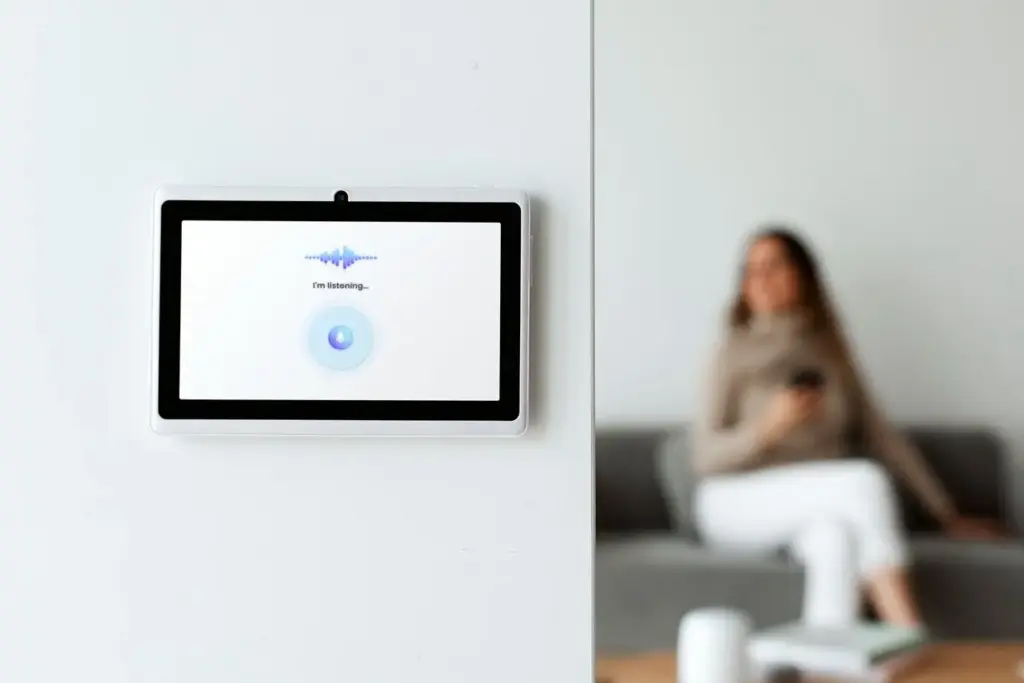
Use voice for lights, media, and basic information, but protect privacy and safety-sensitive actions. Require a nearby physical confirmation for unlocking doors or disarming alarms. Keep commands short, and train multiple voice profiles only if helpful. Always provide a non-voice option nearby, like a large button or keypad. This balance lets grandparents ask for brighter light without strain, kids request story time, and guests control essentials without downloading anything.
Tactile Buttons that Teach Themselves
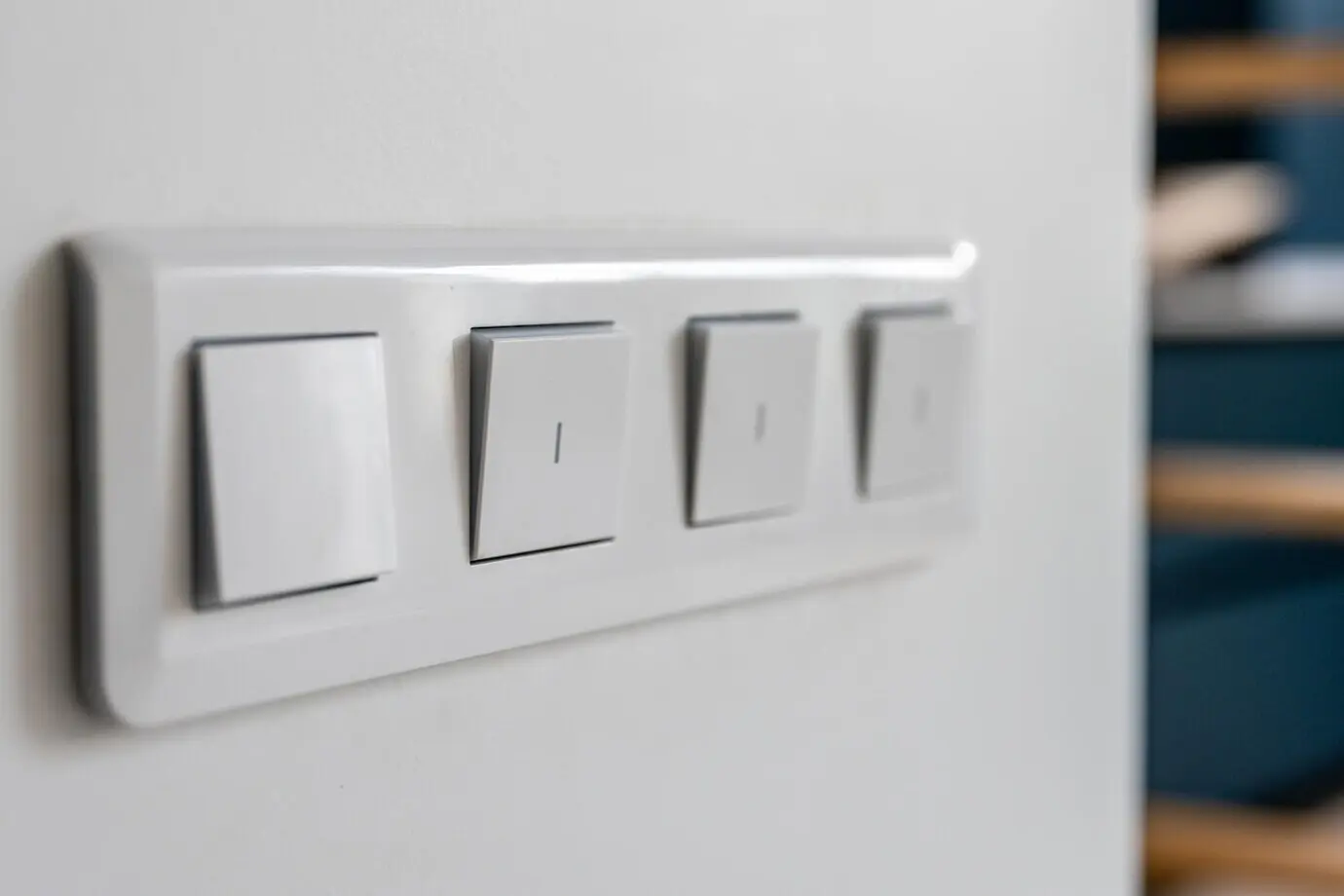
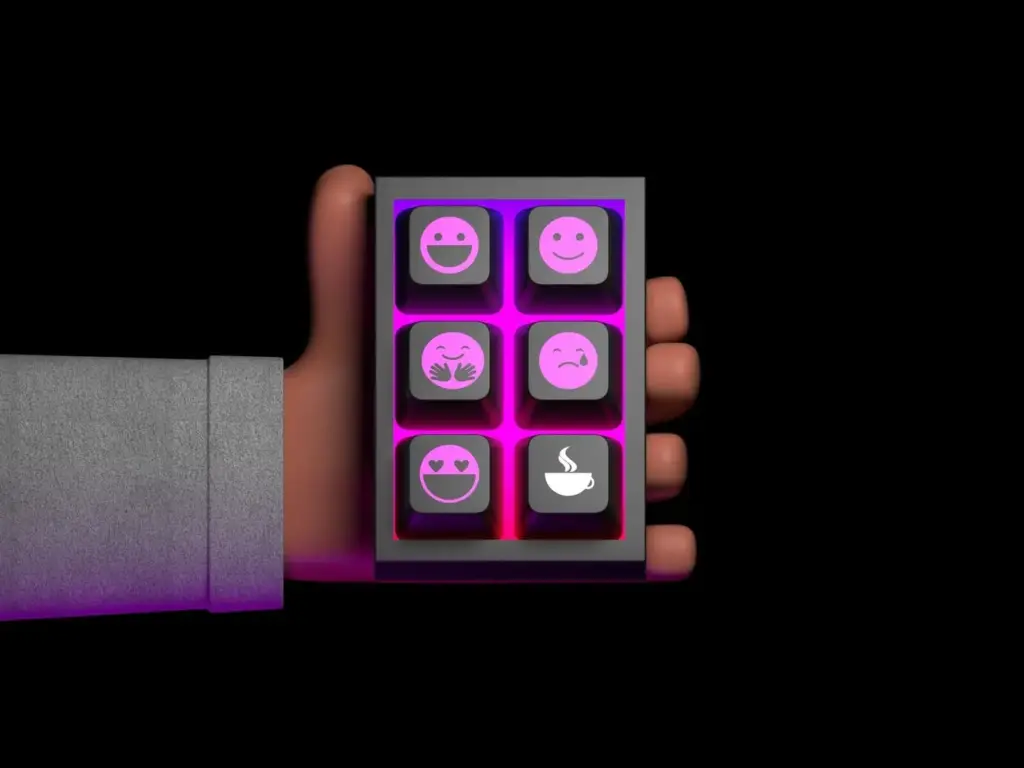
Place big, well-labeled buttons at natural decision points: by beds, doors, and the couch. Use consistent iconography, embossing, and gentle backlighting to aid low vision. Assign color meanings across the home—warm white for relax, cool white for focus, soft blue for night path. Combine with haptic click or audible chime so people receive immediate confirmation. Whether someone is six or eighty, the controls are obvious, reassuring, and dependable.
Ambient Feedback People Notice, Not Ignore
Status lights, soft chimes, and small e-ink displays can confirm actions without overwhelming the senses. A muted tone signals doors locked, a gentle glow indicates night mode active, and a passive display shows today’s comfort settings. Feedback should be timely and context-aware, not constantly blinking. This quiet transparency reduces uncertainty and prevents repeated actions, allowing everyone to understand the home’s state without searching for a phone or navigating a confusing menu.
Reliable Automation without Cloud Drama
Safety and Accessibility as Non-Negotiables
Lighting that Guides, Protects, and Calms
Appliance Safety without Constant Worry
Privacy-Respecting Presence and Entry
The Five-Minute Walkthrough That Matters
Access that Welcomes, Then Expires
Hospitality Scenes People Love to Use
Real Moments from Real Homes
Grandma Nora’s Calm Evenings
Nora, eighty-two, often forgot the back porch light. A single wall button now toggles an evening scene: warm kitchen light, gentle hallway glow, and locked doors confirmed by a soft chime. She no longer worries about switches. Friends visit more often because the entry keypad is simple. She still uses her keys sometimes, and that’s fine. The house supports her routines without demanding any new ones, which is why she trusts it.
A Saturday with the Riveras
Two kids, one soccer tournament, and muddy shoes. A mudroom motion sensor brightens the path, while a “Clean Up” button starts music and turns on brighter task lights. The laundry scene cues a reminder tone when the cycle ends. No one opens an app. After bedtime, a quiet night mode keeps the hallway safe for sleepy trips. The system feels like a considerate parent’s assistant, never a strict boss, which keeps everyone cooperating.
Weekend Guests Who Feel Instantly Welcome
When Sam and Jules arrive, a temporary code unlocks the door and nudges foyer lighting to a warm welcome. A bedside card explains the night button, morning scene, and thermostat dial. They never ask for Wi‑Fi control or app access, yet feel in control. In the morning, the kitchen glow and kettle are ready. Hospitality lives in the environment, not a manual, making their stay feel effortless and gracious.
Security, Maintenance, and Trust by Design

Start Small, Grow Wisely, Share Back
01
Room-by-Room Quick Wins
Start with entry, hallways, and bedrooms. Add a keypad at the door, motion-based night lighting, and a single bedside button for sleep. In the kitchen, under-cabinet lights on a timer reduce fiddling. Each improvement stands alone yet compounds together. Within a week, the house feels kinder, mornings smoother, and evenings calmer—all achieved without phones or complicated instructions.
02
Spend Where It Actually Matters
Invest in reliable sensors, solid buttons, and a capable local hub before splurging on flashy add-ons. Budget for a few UPS units and long-life batteries. Choose standards that will last, favoring strong mesh coverage. This practical prioritization keeps maintenance low and confidence high, ensuring daily life improves immediately while your system remains flexible, secure, and ready for thoughtful growth over years, not months.
03
Join the Conversation and Shape Future Guides
Tell us what worked in your home, where confusion lingered, and which small change sparked the biggest smile. Share a photo of your favorite button layout or night path. Ask questions; we will test and respond. Your experiences guide our next deep dives, checklists, and gentle how-tos, helping more families create comfortable, smartphone-free spaces that welcome every age and every guest with grace.
All Rights Reserved.